
Apps
The colour tools as an app you install, on your computer or your phone, rather than a page you open.
Palette Vault for Windows
Windows 10 and 11
A desktop colour toolkit. Generate palettes, pull them out of a photo, and pick a colour from anywhere on your screen. Works with no network connection at all.
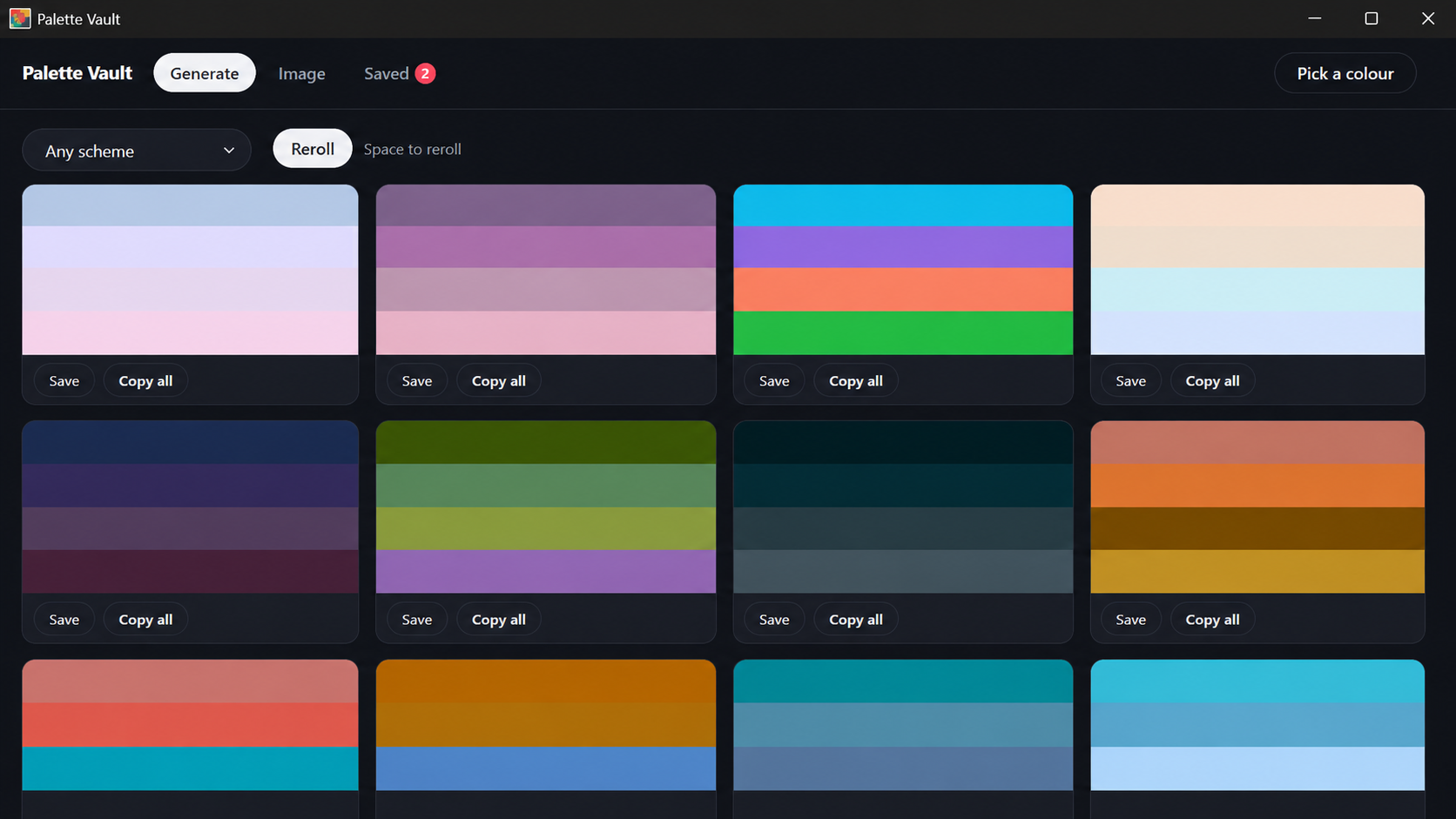
- Generate four-color palettes across eight harmony schemes
- Reroll with the spacebar until something lands
- Drop in a photo and get the colors that define it
- Eyedropper reads any pixel on screen, inside the app or outside it
- Save palettes to a collection that survives restarts
- Click any swatch to copy its hex, or take all four at once
No account, no sign-up, no telemetry, and no network requests of any kind. Everything is computed on your own machine.
Palette Vault for Android
Android 7.0 and newer
The palette tools in your pocket. Generate palettes, pull them out of a photo from the camera, and check the contrast between two colors.
- Lock a color you like and regenerate the rest
- Fifteen moods, from Pastel and Vintage to Neon and Night
- Point the camera at anything and get the four colors it is made of
- WCAG contrast ratio with a plain note on what it allows
- Pick colors with OKLCH sliders instead of typing hex codes
- Save palettes to a list on your phone
No account needed. Your palettes and photos stay on your phone; the only network traffic is a small ad banner.
Also available
The same colour work runs in the browser without installing anything: see the tools on this site, or the browser extensions and the Obsidian plugin.

